 More by Sachin
 Pitch your Startup, App or Hardware or post a Startup Event or Startup Job
Company profile:
Startup name: Screenshot to Code
Tagline: Screenshot to Code – AI-Powered Code Generator
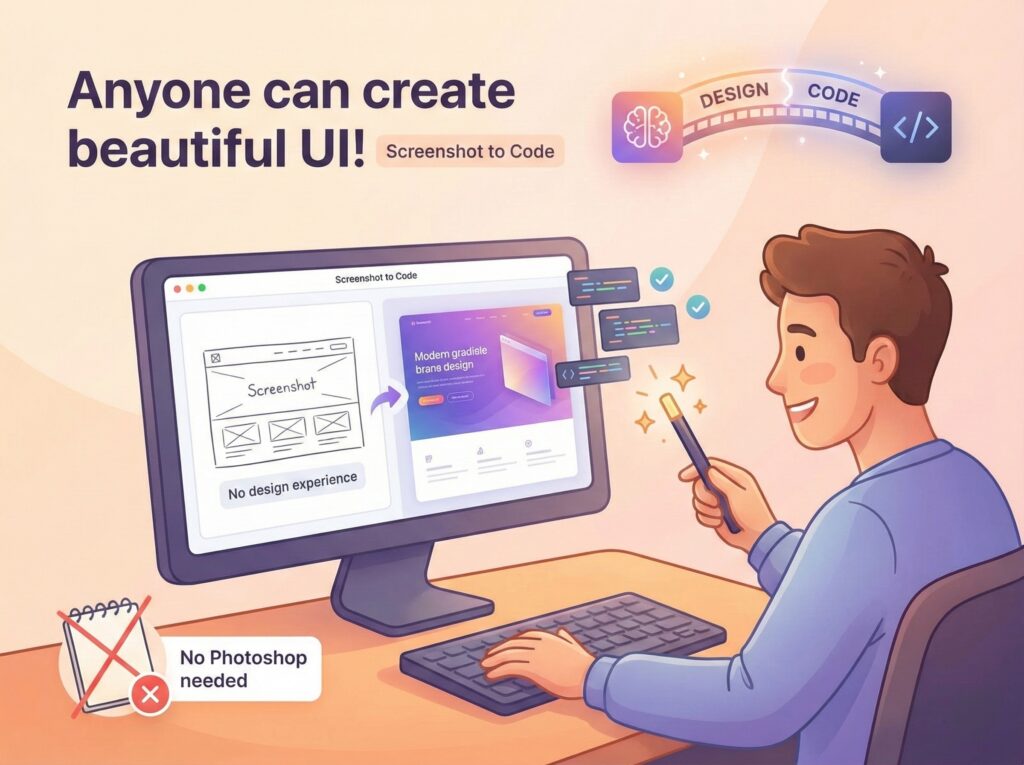
Elevator Pitch: Screenshot to Code converts screenshots to HTML/CSS code instantly. Free AI-powered tool for developers. Try Screenshot to Code now!
Target Market: global
How will you make money? freemium
How much capital have you raised? None
Website: https://screenshottocode.net/
City/Country: United States
AI-assisted summary:
Screenshot to Code is an AI-powered tool that converts design images, such as screenshots or UI mockups, into functional code across various frameworks, including HTML, CSS, React, Vue, and Tailwind CSS. This innovation aims to streamline the development process by automating the translation of visual designs into code. (Source: https://screenshottocode.net/)
The Problem and Target Users
Developers and designers often face the challenge of manually translating static design files into interactive, responsive code—a process that is both time-consuming and prone to errors. This manual conversion can slow down project timelines and introduce inconsistencies between design and implementation. Screenshot to Code addresses this issue by automating the conversion process, making it particularly beneficial for frontend developers, UI/UX designers, and product teams seeking to accelerate development cycles and maintain design fidelity. (Source: https://screenshottocode.net/)
The Solution and Key Features
Screenshot to Code offers a suite of features designed to simplify the design-to-code workflow:
- AI-Powered Visual Recognition: Utilizes advanced AI models to accurately identify UI components such as buttons, forms, and navigation menus within design images. (Source: https://screenshottocode.net/)
- Multi-Framework Code Generation: Supports the generation of clean, semantic code for multiple frameworks, including HTML, CSS, React, Vue, and Tailwind CSS. (Source: https://screenshottocode.net/)
- Pixel-Perfect Accuracy: Maintains visual fidelity by preserving layouts, spacing, typography, colors, and responsive breakpoints as depicted in the original design. (Source: https://screenshottocode.net/)
- Instant Code Export: Provides immediate access to generated code, allowing users to download or copy it directly into their projects. (Source: https://screenshottocode.net/)
Business Model and Traction
While specific details about Screenshot to Code’s business model are not publicly disclosed, the platform offers a free-to-use service, suggesting a freemium model where basic features are accessible at no cost, with potential premium offerings for advanced functionalities. The tool has garnered attention within the developer community, as evidenced by its GitHub repository, which has accumulated over 8,800 stars, indicating significant interest and adoption. (Source: https://github.com/abi/screenshot-to-code)
Expert Take
Screenshot to Code effectively addresses a common bottleneck in the web development process by automating the conversion of designs into code, thereby enhancing efficiency and reducing manual errors. Its support for multiple frameworks and emphasis on clean, maintainable code output positions it as a valuable tool for developers and designers alike. However, as with any AI-driven solution, users should verify the generated code to ensure it meets project-specific requirements and standards.
Note: Information based on publicly available sources at the time of writing, and summarized by AI.
Pitch your Startup, App or Hardware or post a Startup Event or Startup Job